Recurring work, done on schedule.
Schedule a task by choosing a frequency and a time. Learnya runs it, reports back to you and only calls on you when a decision is yours to make.
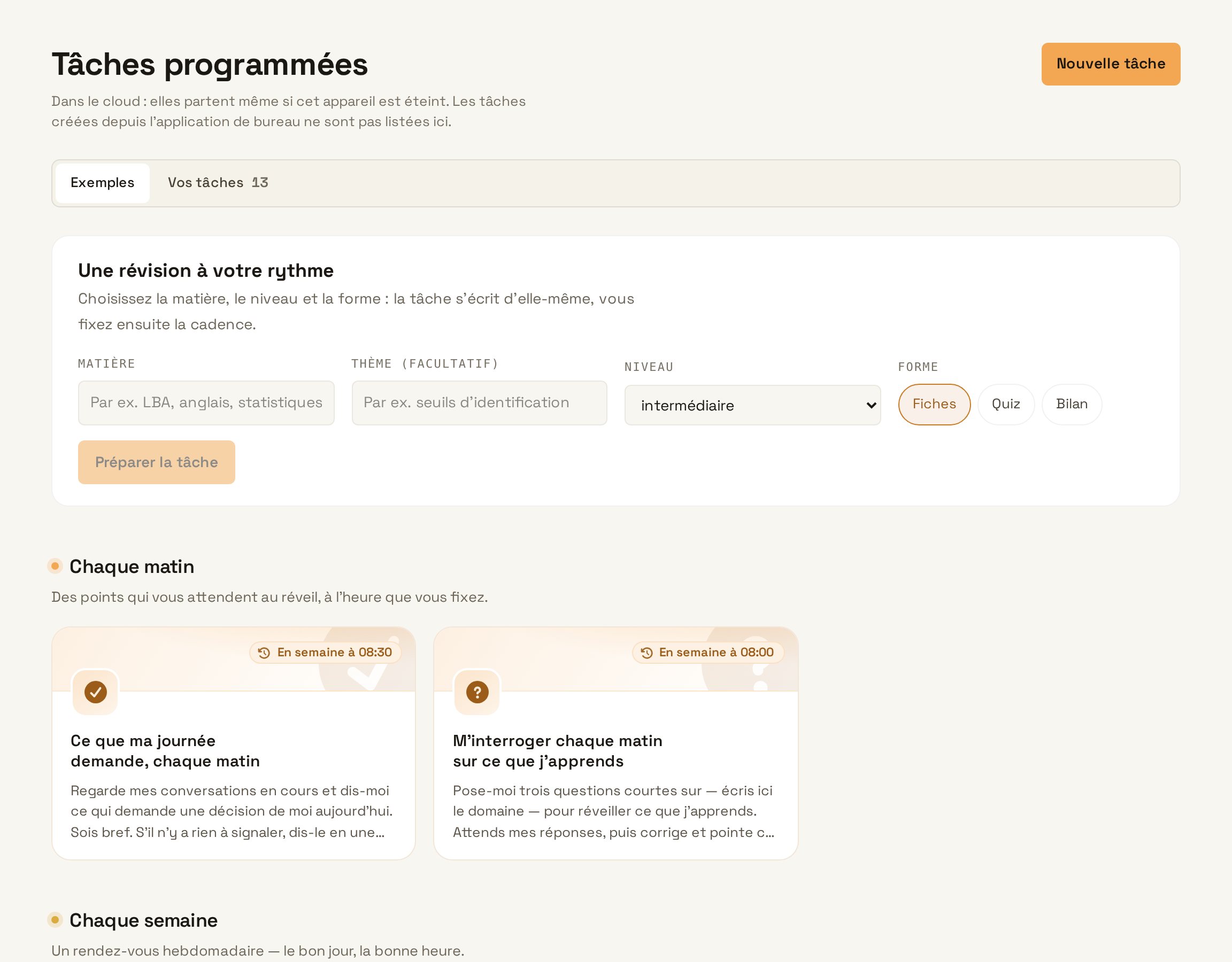
Schedule, monitor, report back.
No technical syntax
Five calendar patterns and a time. Each task’s status reads in a single sentence.
Topic watches
A page, a topic or a source tracked over time, with a summary of what has changed.
The activity feed
What each task produced, its effects and the approval history.
Useful ideas
The assistant suggests actions based on your goals, documents and calendars.
- Approval before any action that commits you
- Scheduled publishing on social media and by newsletter
- Notifications on the web, desktop and phone
- Automatic resume after an interruption
One sentence is enough to schedule a task.
Learnya reads your instruction and works out the timing, the task, the sources, the recipient and the check. You review it all before activating.
Every Monday at 8 am,Whensummarise the week's salesWhatfrom the CRM and the quotes in Drive,Sourcessend the summary to managementWho it's forafter my approval.Control
What gets done without you.
- Monday 8 amSales reportPrepared and sent to the team.
- Every morningWatchIndustry tenders and articles, summarised.
- WednesdayFollow-upsOverdue invoices, chased after your approval.
- Friday 17:00ReviewThe week on one page, with what is still open.