A complete office suite, designed around the assistant.
Presentations, e-learning lessons, documents, spreadsheets and sketches. You work together in real time, and your Word, PowerPoint and Excel files stay compatible.
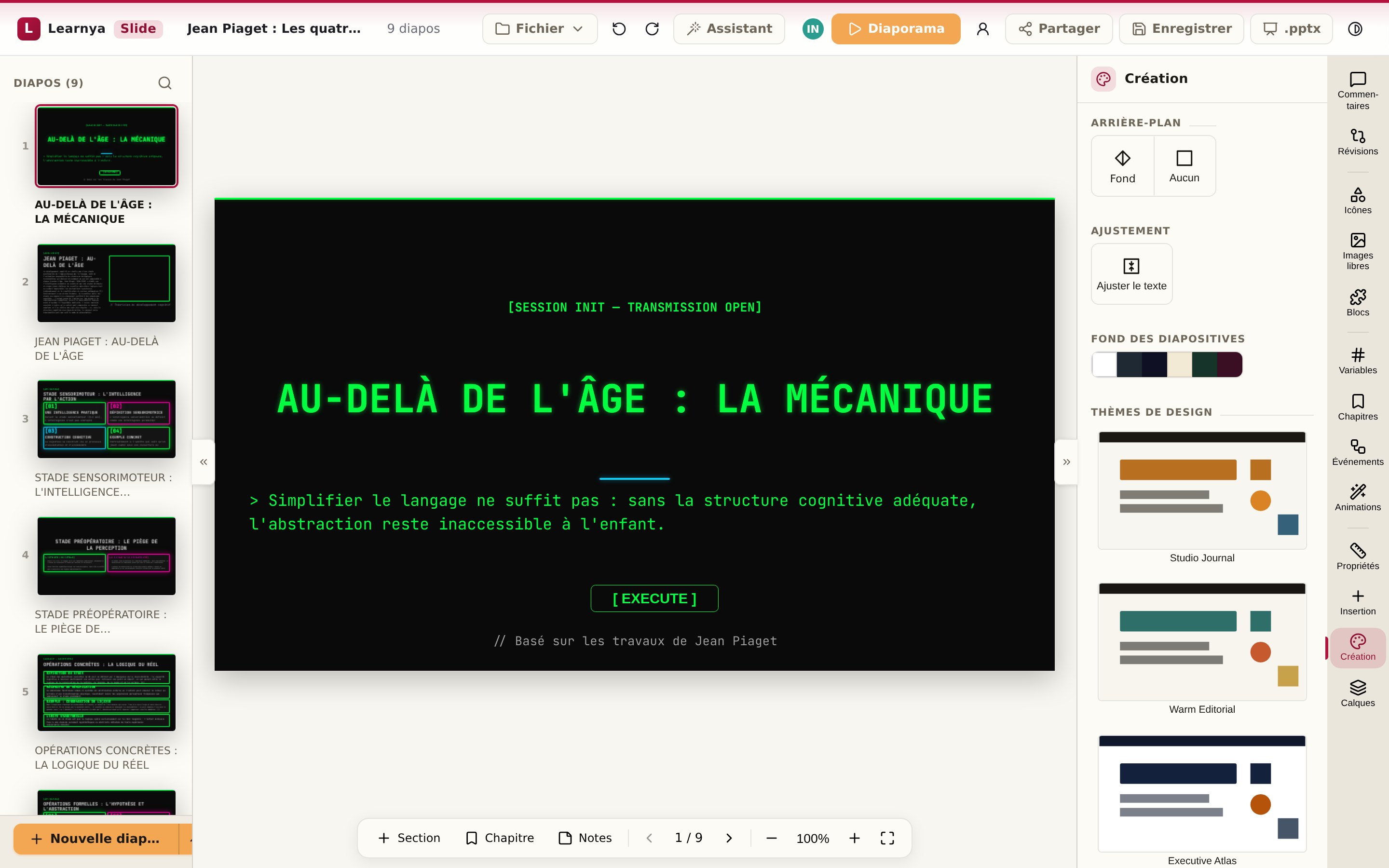
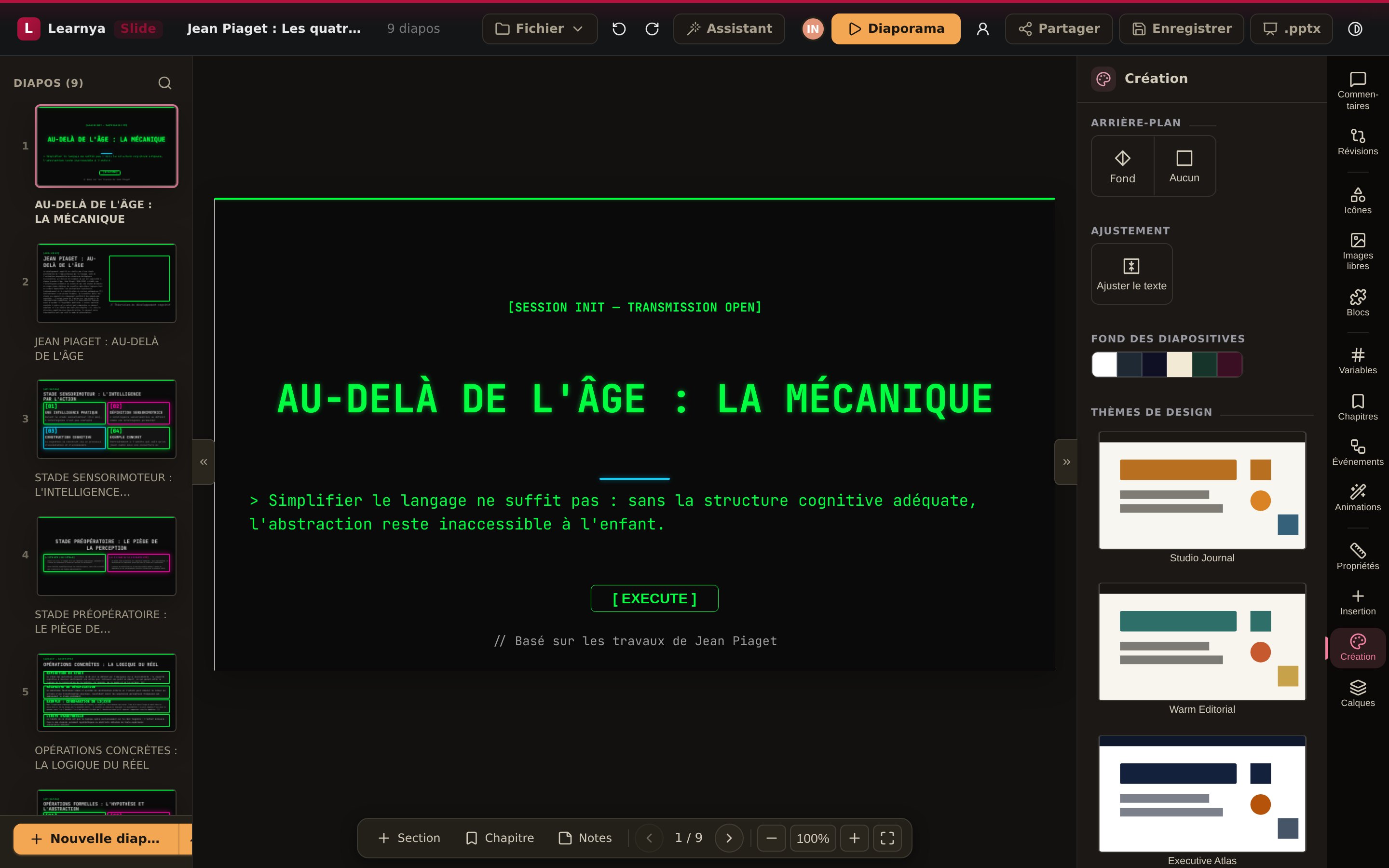
Five formats, open and exportable.
Slides laid out with your themes, presented as a slideshow.
PowerPoint .pptxAn e-learning module in sections, with quizzes and exercises.
SCORM 2004xAPIcmi5Reports, notes and letters drafted and reviewed together.
Word .docxTables, calculations and charts, with the assistant for formulas.
Excel .xlsxDiagrams, storyboards and sketches, freehand or with the assistant.
ImagePDFSix apps, one workspace.
Presentations
Themes, animations, interactive blocks, quizzes and games. The assistant builds, revises and reformats.
Lessons and e-learning
Sectioned lessons with multiple-choice questions, matching exercises and accordions, from templates. SCORM, xAPI and cmi5 export.
Reports and letters
Writing, formatting, revisions and export to PDF or Word.
Calculations and analyses
Spreadsheets built from your data, Excel compatible.
Diagrams and drawings
Diagrams, sketches and freehand drawings to embed anywhere.
Together, at the same time
Colleagues' presence, cursors, comments and revision history on the same document.
- OOXML compatible: Word, PowerPoint and Excel import and export
- PDF export true to the layout
- Audio narration for presentations and lessons
- Revision history and rollback to an earlier version
- Also works locally, on your files
Your formats, both ways.
Open your existing files, work in Learnya, export whenever you like.
| Criterion | In Learnya | Import | Export |
|---|---|---|---|
| Presentations | Deck, with quizzes and animations | PowerPoint | PowerPoint, PDF |
| Documents | Documents with tracked changes | Word, PDF | Word, PDF |
| Spreadsheets | Calculated spreadsheets | Excel, CSV | Excel, CSV |
| E-learning | Flow lessons | Word, PDF, PowerPoint | SCORM, xAPI, cmi5 |
| Croquis | Diagrams and drawings | Images | PNG, SVG, PDF |
From a request to a finished presentation.
A team has to present the quarterly review to management.
- 01
Request
“Prepare a ten-slide presentation from the quarterly report.”
- 02
Build
Learnya structures the message, chooses the visuals and applies your theme.
- 03
Collaboration
Three colleagues comment and edit at the same time, and each sees the others.
- 04
Export
The presentation goes out as PowerPoint or PDF, or is presented from Learnya.